Small event live streaming in Dubai: what you really get
Not every event needs a crew of six and a control room. A milestone birthday in a villa, a short ceremony, a talk at a community centre or a training session for twenty people can be streamed properly with one or two cameras. The question is what "properly" means — and where the smallest setup stops being enough.
This guide explains what you get with the smallest professional setups we offer, how they differ from a phone on a tripod, and how to decide.
What the smallest setup is
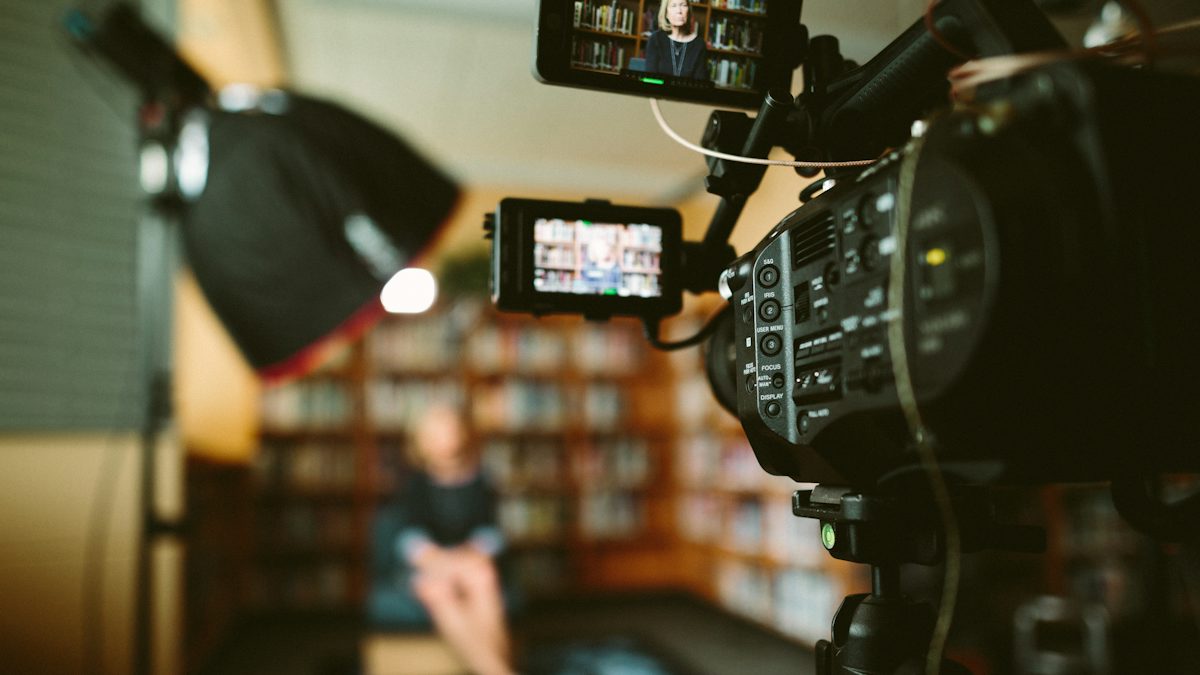
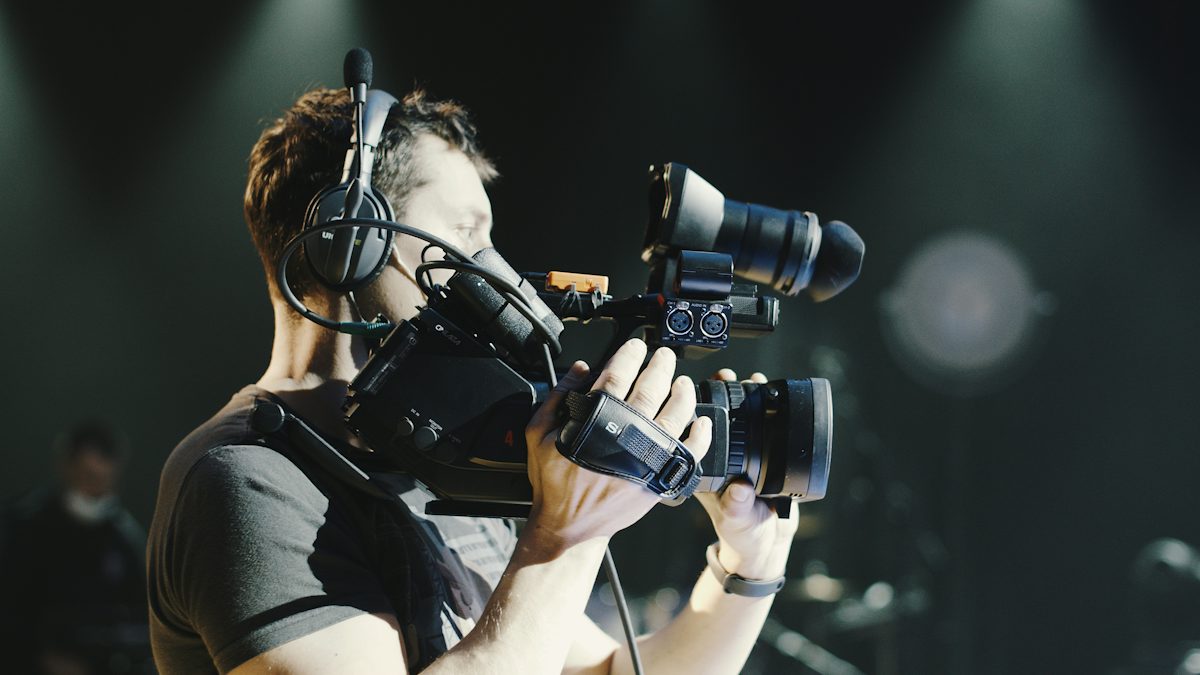
At its simplest, a small event stream is one camera with a camera operator and a streaming device. The operator frames the shot, follows the person speaking, adjusts focus and exposure when the light changes, and keeps an eye on the stream itself. The streaming device sends the picture and sound to YouTube, Facebook, Zoom or a private page.
The next step up adds a second, locked-off camera — usually a wide view of the room or stage — still run by one operator. It gives viewers two perspectives: the close-up of the speaker and the context of the room.
Neither of these setups includes a live director. That is the trade-off: there is no one switching between several operated cameras, placing slides beside the speaker or running name captions in real time. For many small events, that is perfectly fine.
What you still get, even at the smallest size
The small setups are not "cheap streams". They keep the things that make a stream watchable:
- Sound from the venue's system. We connect to the venue's, DJ's or AV company's sound system and take a clean feed from their desk. Online viewers hear the speeches, not the echo of the room. We do not bring loudspeakers or microphones for the room — if there is no sound system, the producer tells you what to arrange.
- Our own bonded internet. A connection that combines several mobile networks, so the stream does not depend on the venue's Wi-Fi or a single network that slows down when the room fills up.
- A person watching the stream. Someone whose only job is the broadcast, so none of your guests has to stand behind a phone.
- The full recording after the event.
- A private link if the event is for family, members or a team only.
When one or two cameras are enough
Small setups work best when the action happens in one place and one person speaks at a time:
- Birthdays, anniversaries and family celebrations — the arrival, the speeches, the congratulations and the cake.
- Short ceremonies — a nikah, a blessing, a small award presentation with one presenter.
- Talks and masterclasses with one speaker and no slides, or with slides that do not need to be read in detail.
- Small trainings and meetings where the online audience mainly needs to hear and see the trainer.
- Religious or community gatherings where discreet, minimal equipment is preferred.
If your event fits one of these, a small setup is not a compromise — it is the right tool.
When it is not enough
There are clear signs you need a bigger setup with a live director:
- Slides that people need to read. Filming a projector screen produces an unreadable picture. Slides need a direct feed from the laptop and someone to switch them in.
- Several speakers in turn — a panel, a debate, a round table with more than a few people.
- A stage programme — performances, award walk-ups, graduates crossing the stage.
- Sponsors who expect logos and names on screen.
- Remote speakers joining by Zoom or Teams.
- A large room where one camera cannot get close enough to faces.
In those cases the builder recommends a setup with a live director, because that is what the event needs to be watchable.
How it compares with a phone on a tripod
We go into detail in a separate article, but in short: a phone records the room, relies on whatever internet is nearby, cannot change the shot, and stops when the battery or the app decides. The smallest professional setup fixes exactly those weak points — sound from the desk, a dedicated connection, an operator, a recording — without adding a crew you do not need.
How to get the most out of a small setup
Put the camera in the right place
With one or two cameras, position is everything. The operator needs a clear view of the person speaking without blocking guests. Tell the producer where speeches and key moments will happen, and send a photo of the room if you can.
Make sure every voice goes through a microphone
The stream hears only what goes into the sound system. Ask whoever runs sound at your venue to give a microphone to every speaker. If someone speaks without a microphone, ask the host to repeat the key words.
Plan the key moments
For a family celebration, write down the moments relatives abroad must see — the arrival, the speeches, the cake — and when they will happen. Between them, the stream can show a welcome screen with names and the date.
Keep it private if it is personal
Use a password-protected link, share it only with the people who should watch, and send the start time in their own time zone.
Test the link with one relative
Before the day, ask one older relative to open the link on their phone or TV. It removes most of the stress on the day.
How to see what it would cost
Prices are in our Live Stream Builder: answer a few questions about your event and it shows the recommended setup and an estimate. If the recommended setup is more than you need, the "I want it cheaper" button shows the smallest packages — one camera, or two cameras with one operator — without a live director.
For a broader look at how prices are built, see our live streaming cost page.
Frequently asked questions
Is one camera really enough for a family celebration?
Often yes. With an operator who follows the speeches and sound taken from the venue's system, one camera covers a birthday or anniversary well. A second, locked-off camera adds a wide view of the room.
Can you stream from a villa or a garden?
Yes. We bring our own bonded internet, which combines several mobile networks, so homes, villas and gardens without a wired line are not a problem.
Do we need to provide microphones?
Yes, through your venue, planner, DJ or an AV company. We connect to their sound system for the stream; we do not supply loudspeakers or microphones for the room.
Will there be slides or name captions?
Not with the smallest packages, because they do not include a live director. If you need slides or captions, choose a setup with a director in the builder.
Do we get the recording?
Yes, the full recording is included with every setup.